
How to Create a Gympify Account
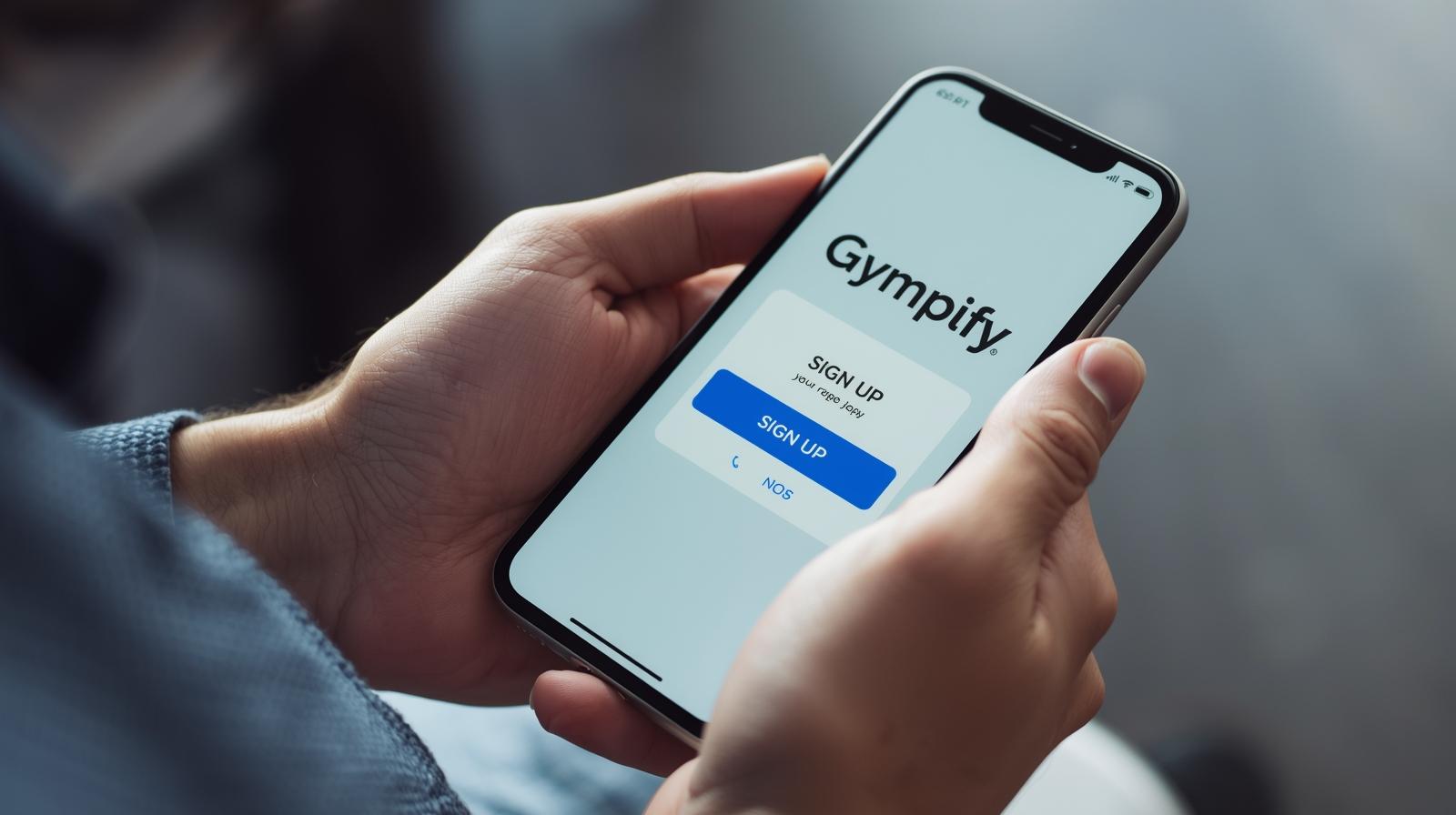
Manage your fitness journey effortlessly with Gympify
In today’s fast-paced digital world, managing your fitness journey is easier than ever with Gympify. This intuitive gym management app allows users to track workouts, manage class schedules, and handle memberships—all from a single platform. Whether you’re a beginner or an experienced gym-goer, creating a Gympify account gives you seamless control, convenience, and efficiency. In this guide, we’ll walk you through how to set up your account, explore its key features, and show you how to make the most of your fitness experience with Gympify.
What is Gympify?
Gympify is a complete gym management system that simplifies operations and enhances the member experience. It helps gym owners manage memberships, payments, attendance, and communication, while users can book classes, track progress, and stay updated via web or mobile app.
Key benefits of using Gympify include:
Seamless class booking: Reserve your spot in group classes or personal training sessions in just a few clicks.
Membership management: View and renew memberships without visiting the gym physically.
Attendance tracking: Keep track of your workout sessions and monitor progress over time.
Notifications and updates: Receive real-time updates about new classes, offers, or gym announcements.
Digital engagement: Interact with gym staff, trainers, and other members digitally, enhancing your overall fitness experience.
Why You Should Create a Gympify Account
Effortless Management: With Gympify, you no longer need to rely on paper schedules or manual bookings. Everything is managed digitally.
Time-Saving: Book classes or check schedules instantly without waiting in line or calling the gym.
Progress Tracking: Monitor your attendance, class participation, and personal achievements to stay motivated.
Exclusive Offers: Members often receive special discounts, promotions, or early access to new classes through the app.
Community Engagement: Connect with fellow members, participate in challenges, and stay motivated with a supportive community.
Step-by-Step Guide to Creating a Gympify Account
Step 1: Visit Gympify Website or Download the App
- To begin, visit the Gympify official website at www.gympify.com.
- Alternatively, download the Gympify Member App from the Google Play Store for Android or the App Store for iOS. The app offers a smoother experience for managing your fitness routine on the go.
Step 2: Click on “Sign Up”
- On the homepage or the app login screen, locate the Sign Up or Create Account button.
- Click the button to proceed to the registration page.
- Email Registration: Enter your full name, email address, and create a strong password.
If you choose email registration, Gympify will ask for some basic information:
- Full Name
- Email Address
- Password
Step 5: Verify Your Email Address
After submitting your details, Gympify will send a verification email to the address you provided.
- Open your email inbox.
- Locate the email from Gympify and click on Verify Account.
Step 6: Complete Your Profile
- Age or Date of Birth
- Fitness goals (e.g., weight loss, strength training, endurance)
- Preferred gym or location if your gym uses Gympify’s system
- Book Classes: Reserve spots in group or personal training sessions.
- Track Attendance: Monitor your workout history and progress.
- Manage Memberships: View membership status, renew subscriptions, and receive updates.
- Receive Notifications: Stay informed about new classes, events, and exclusive promotions.
Tags:
mobile gym app
gympify member app
gym software
gym membership software
gym member app
gym management system
gym management app
gym management
gym booking app
gym billing software
gym billing
gym automation
fitness software
fitness business tools
fitness technology
gym attendance tracking
fitness app
fitness business
class scheduling app