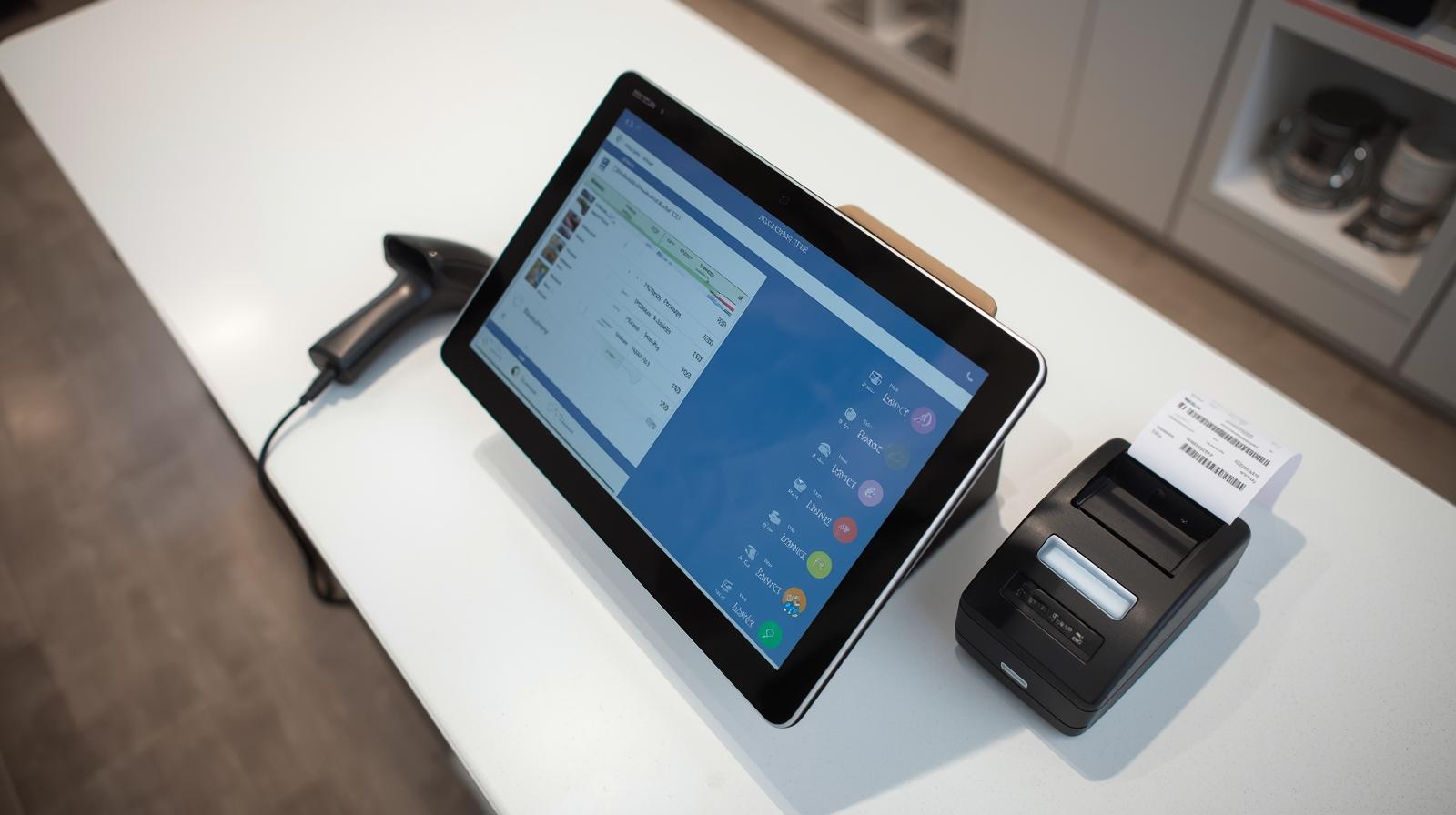
A POS System, or Point of Sale System, is a combination of hardware and software used by businesses to process sales transactions. It helps record purchases, accept payments, manage inventory, and track customer data. Essentially, it serves as the digital “cash register” that enables businesses to operate smoothly and efficiently.
Modern POS Systems do much more than just billing. They serve as all-in-one business management tools, featuring intelligent automation, analytics, and real-time reporting.
How a POS System Works
A POS System works by connecting several components that work together to complete a sale:
1. The customer selects products or services.
2 . The cashier scans or enters the items into the POS software.
3. The system calculates the total price, including taxes or discounts.
4 . The customer pays using cash, card, or digital payments.
5. The system updates the inventory, records the transaction, and generates a receipt.
Components of a POS System
1. Hardware Components
Touchscreen Monitor: Displays the POS software interface.
-
Barcode Scanner: Speeds up item scanning.
-
Receipt Printer: Prints customer receipts.
-
Cash Drawer: Stores cash securely.
-
Card Reader / Payment Terminal: Accepts cards and digital payments.
2. Software Components
Billing & invoicing module
-
Inventory management
-
Sales analytics dashboard
-
Employee management tools
-
Customer database module
Types of POS Systems
1. Traditional (On-Premise) POS: Installed on local computers inside the store. Suitable for small or single-location shops.
2. Cloud-Based POS: Runs online and allows business owners to manage everything from any device. This is the most popular option today.
3. Mobile POS (mPOS): Works on smartphones or tablets, perfect for small businesses, market stalls, and food trucks.
4 . Self-Service POS: Allows customers to scan and pay by themselves, used in supermarkets and fast-food chains.
Key Features of a Modern POS System
1. Fast Billing & Invoicing:
Reduces checkout time and improves customer experience.
2. Inventory Management:
Tracks stock levels automatically and alerts you when items are running low.
3. Sales Reports & Analytics:
Generates daily, weekly, and monthly reports to help you understand performance.
4. Multi-Payment Support:
Accepts cash, cards, UPI, mobile wallets, and digital payments.
5. Customer Management:
Stores customer details, purchase history, and loyalty points.
6. Employee Permissions:
Allows business owners to restrict access and track staff activity.
7. Multi-Store Management:
Helps businesses manage multiple branches from a single dashboard.
8. Cloud Backup:
Ensures all data is safely stored and accessible anytime.
Benefits of a POS System for Businesses
A POS System is more than just a billing tool—it transforms the entire workflow of a business. Here are the top benefits:
1. Faster Service:
Quick scanning, automatic calculations, and instant payment processing improve customer satisfaction.
2. Accurate Inventory Tracking:
Say goodbye to manual stock counting. The POS System updates inventory in real time after each sale.
3. Reduced Errors:
Automated billing and inventory updates reduce mistakes caused by manual entry.
4. Higher Sales:
With data-driven insights, businesses can identify best-selling products and plan smarter promotions.
5. Better Customer Experience:
Quick checkout, digital receipts, and loyalty rewards help build stronger customer relationships.
6. Enhanced Security:
POS software stores data securely and prevents unauthorized access.
7. Time & Cost Savings:
Automation saves hours of work and reduces operational costs.
How to Choose the Best POS System
1. Industry Type:
Retail POS, restaurant POS, and salon POS all have different features.
2. Ease of Use:
The interface should be simple for staff to learn.
3. Cloud or Offline:
Choose based on your internet reliability.
4. Integration Options:
Check integration with accounting, payment gateways, and e-commerce.
5. Pricing:
Compare subscription plans, hardware costs, and maintenance fees.
6. Customer Support:
A good POS provider offers 24/7 support and training.
A POS System is a powerful tool that helps businesses manage sales, inventory, payments, and customer relationships all in one place. As technology continues to evolve, POS solutions are becoming smarter, faster, and more essential for business success. Whether you are starting a new business or upgrading an existing one, investing in a POS System is the smartest decision for long-term growth.